My Library
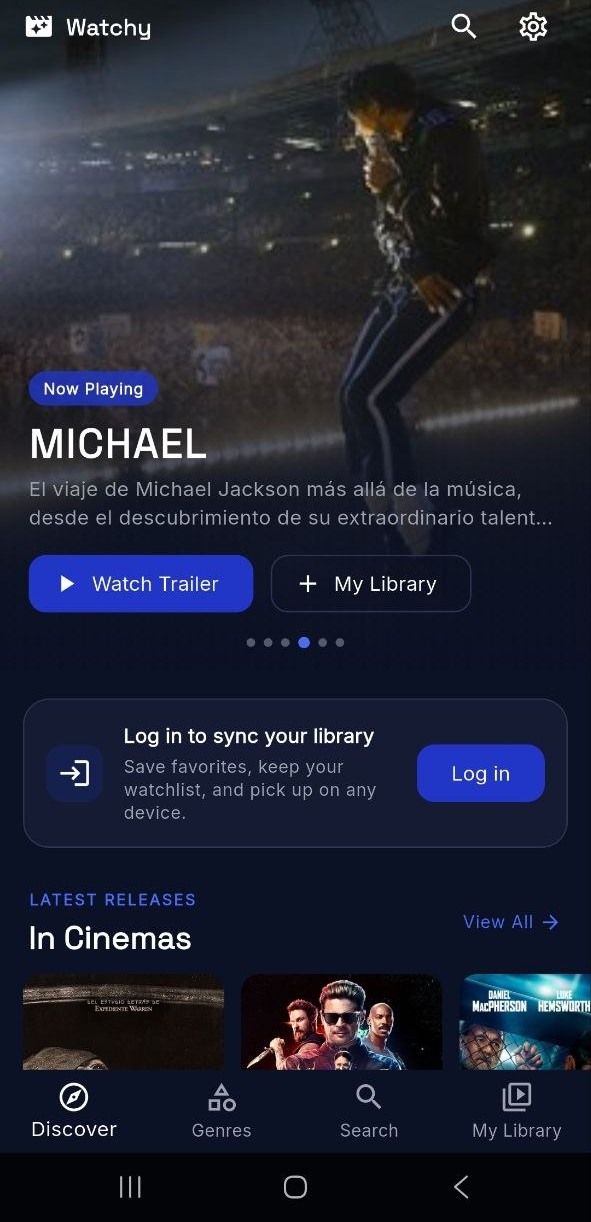
Five steps to take full control of your personal film collection.
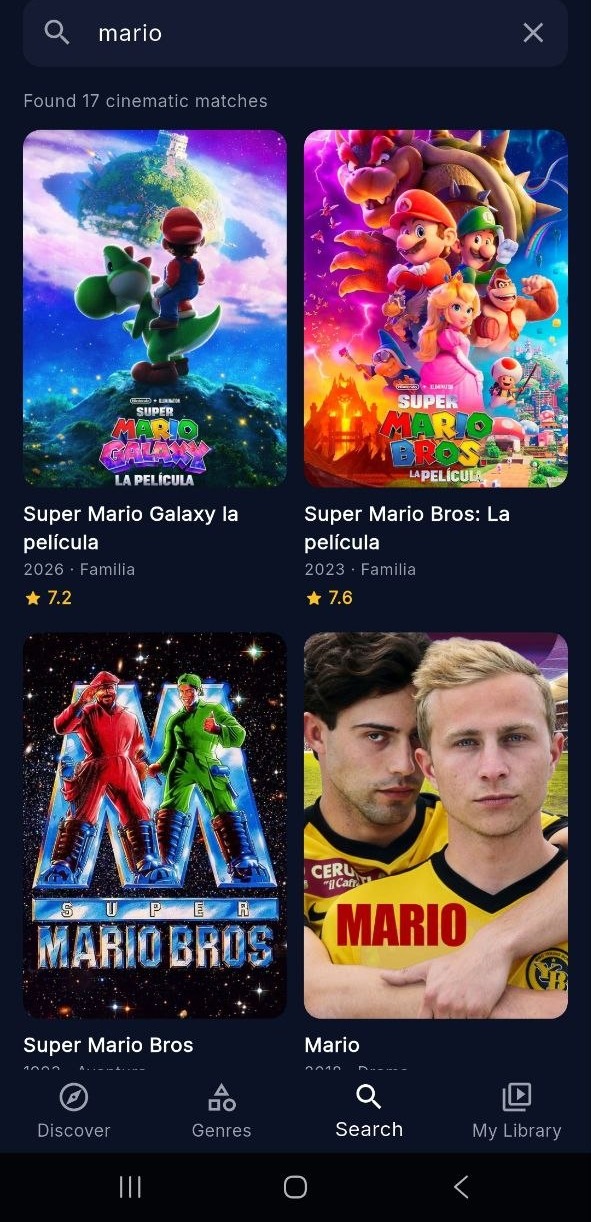
Search for a Movie
Open Watchy and search for any title you have in mind. Browse by name, genre, or trending picks — the full catalog is always one tap away.
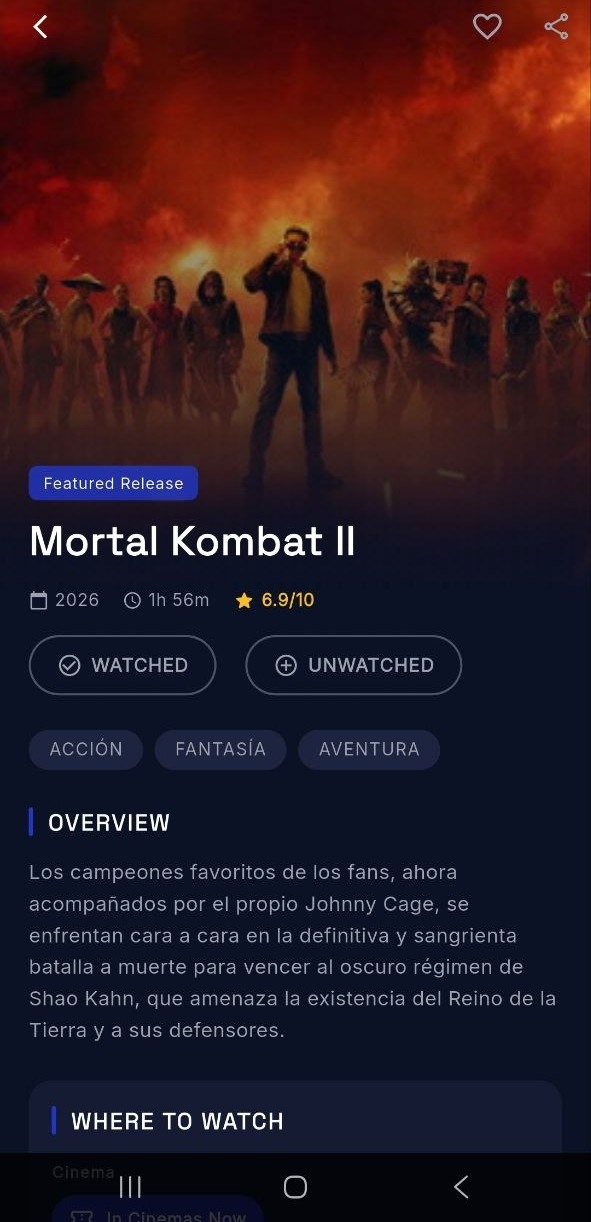
Explore Its Detail
Tap any result to open its detail view. Read the synopsis, check ratings, and decide whether this is a film worth adding to your collection.
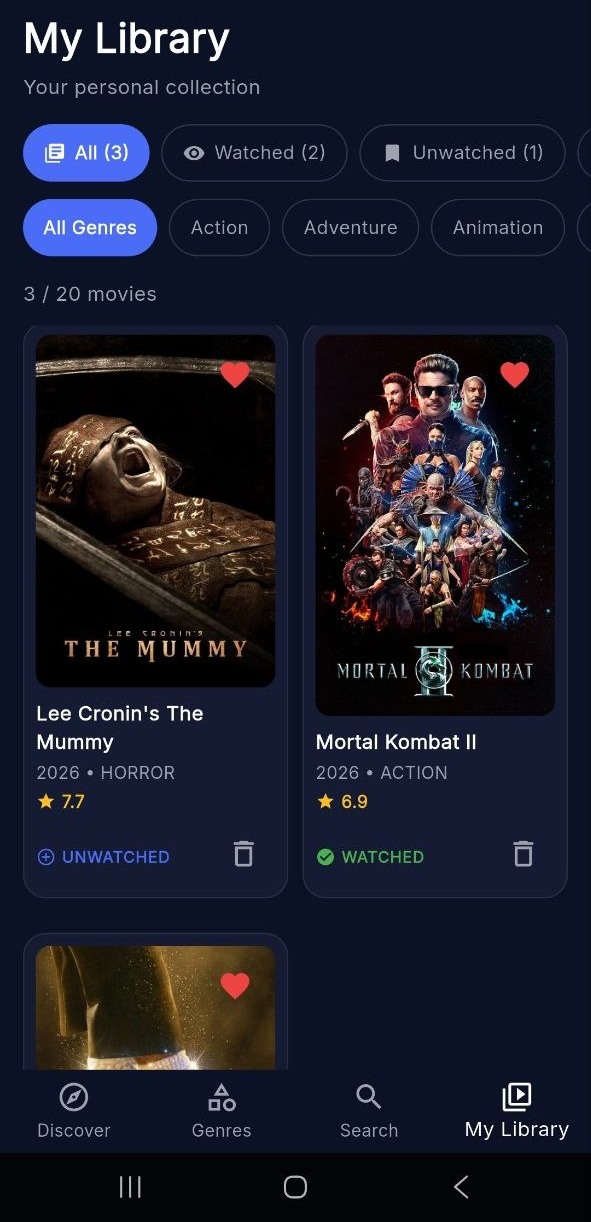
Add It to Your List
Choose the list that fits best: Favorites for films you love, Watchlist for titles you plan to see, or Watched if you have already seen it.
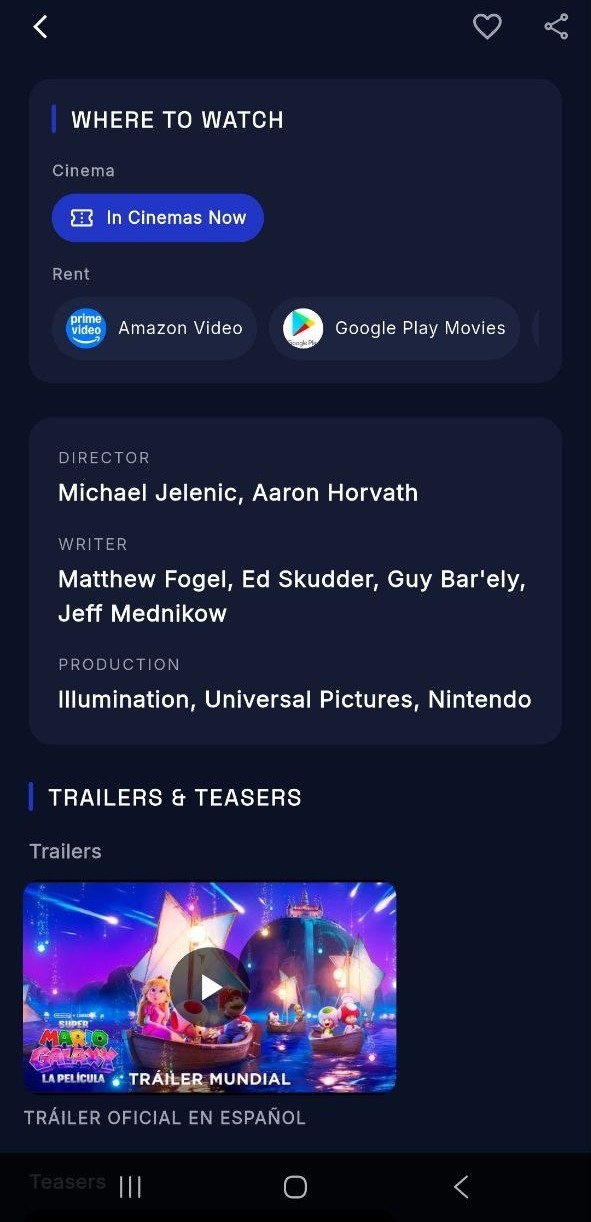
Find Where to Watch
Head to the Where to Watch section on any detail page to see every streaming platform where the film is currently available — no more guessing.
Close the Loop
Enjoyed it? Come back and mark it as Watched. And if it truly blew you away, add it to Favorites — only for the films that really deserve it.